Use cases
- Try a warmer brown
- Compare cool brunette
- Test subtle highlights
- Bring a color brief to a salon
Choose natural dark, neutral cool, soft warm or creative, then upload one clear front photo to preview that direction before committing to dye.
A preview can guide a salon conversation, but real dye results still depend on hair history, lighting and stylist review.
Every image here comes from the same template set the live studio uses. No mockups, no stock photos.
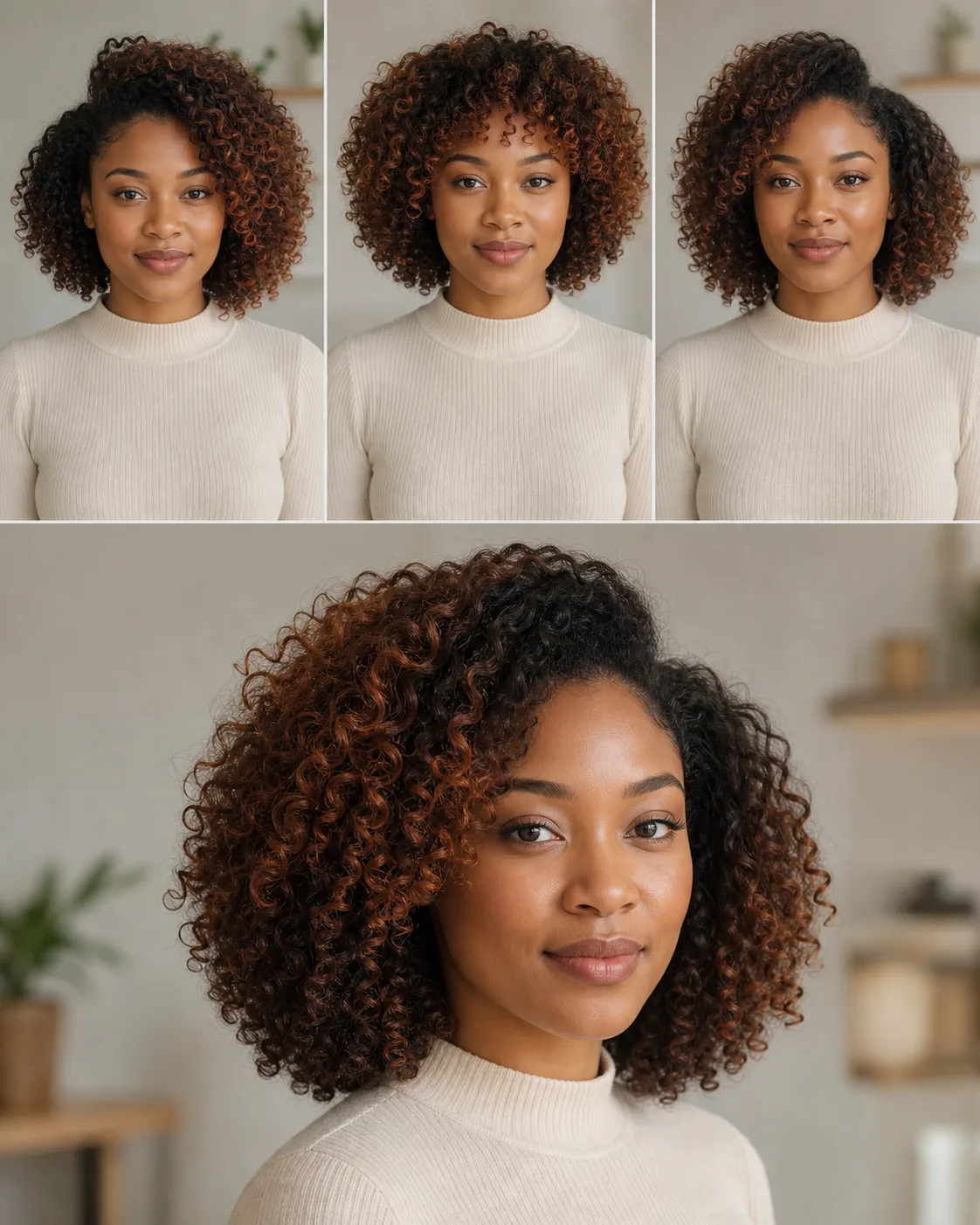
Upload one clear front-facing photo, choose a color direction (natural dark, neutral cool, soft warm or creative), and LookStage renders that direction on your own hair. A preview usually takes about 30 seconds and shows the result side by side with your original.
New accounts get their first look free. After that each hair color preview costs 2 credits; credit packs never expire and failed jobs are refunded automatically.
The original photo payload is kept in server memory only while the generation job runs. The database stores job metadata, generation settings, credits and result URLs; it does not store the uploaded photo.
A clear front-facing photo in soft natural light with minimal filters, where your hair is fully visible. JPG, PNG and WebP images up to 10 MB are accepted.
Treat it as a color brief for your stylist, not a guarantee. Real dye results still depend on your hair history, lighting and stylist review; the preview shows the direction, not the exact shade.